Java Code Analysis!?! (Medium)
- Challenge Link: https://play.picoctf.org/practice/challenge/355?category=1&difficulty=2&page=2
- Challenge Description: BookShelf Pico, my premium online book-reading service. I believe that my website is super secure. I challenge you to prove me wrong by reading the 'Flag' book!
- Hints:
- Maybe try to find the JWT Signing Key ("secret key") in the source code? Maybe it's hardcoded somewhere? Or maybe try to crack it?
- The 'role' and 'userId' fields in the JWT can be of interest to you!
- The 'controllers', 'services' and 'security' java packages in the given source code might need your attention. We've provided a README.md file that contains some documentation.
- Upgrade your 'role' with the new (cracked) JWT. And re-login for the new role to get reflected in browser's localStorage.
Solution
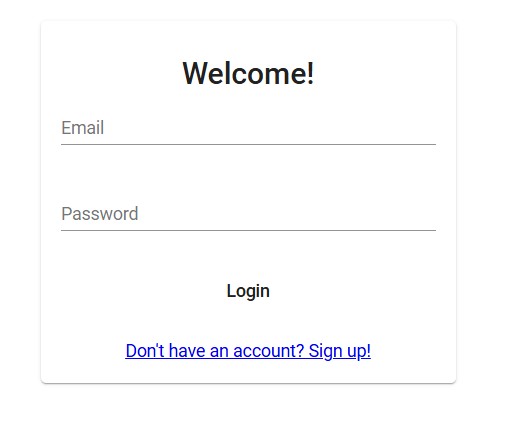
This is the front of the website, we can use the credentials they provide to us to login:
user: user
password: user
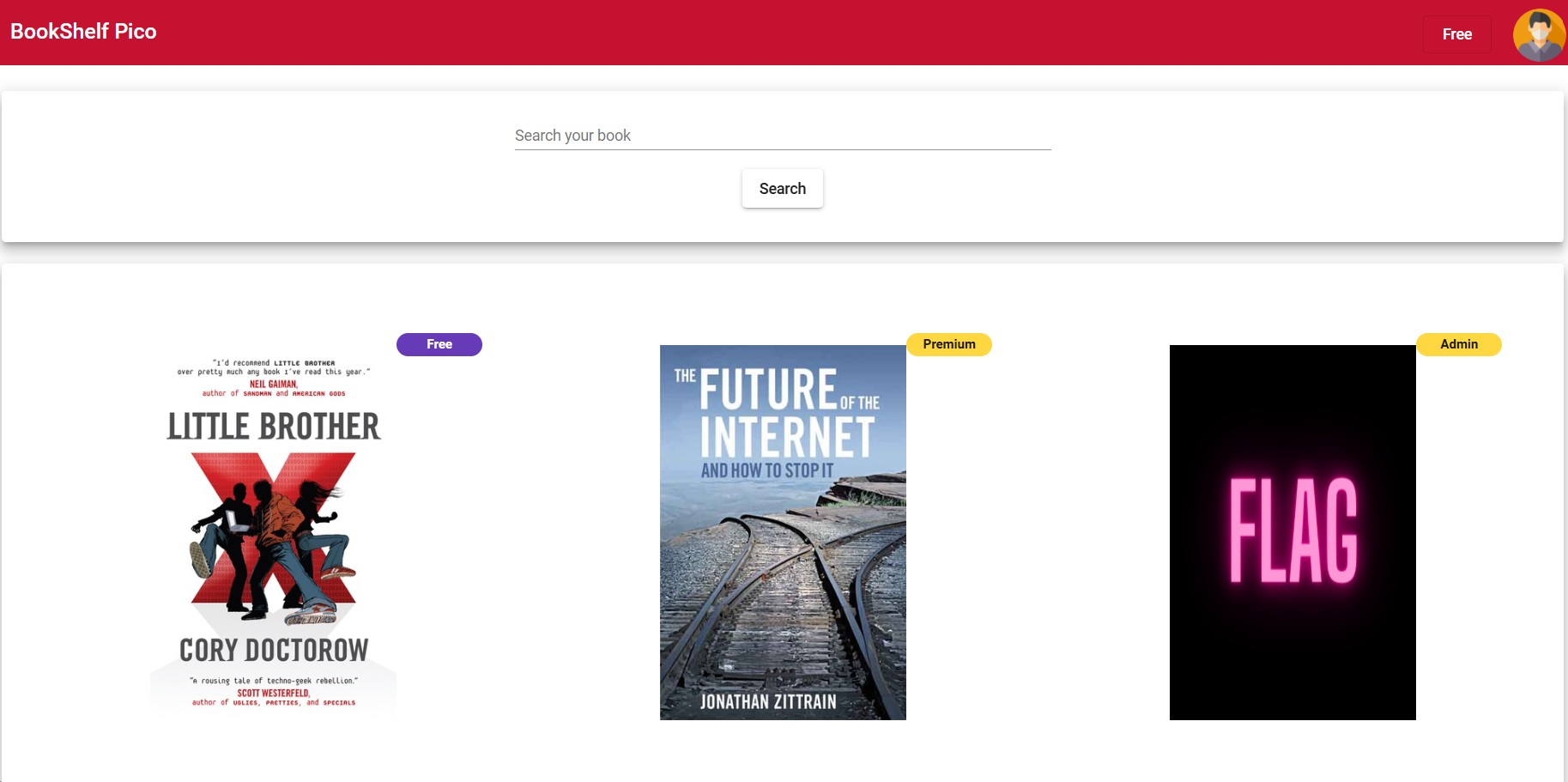
Now this is the book website, but the book with the flag is only available to people with admin role.
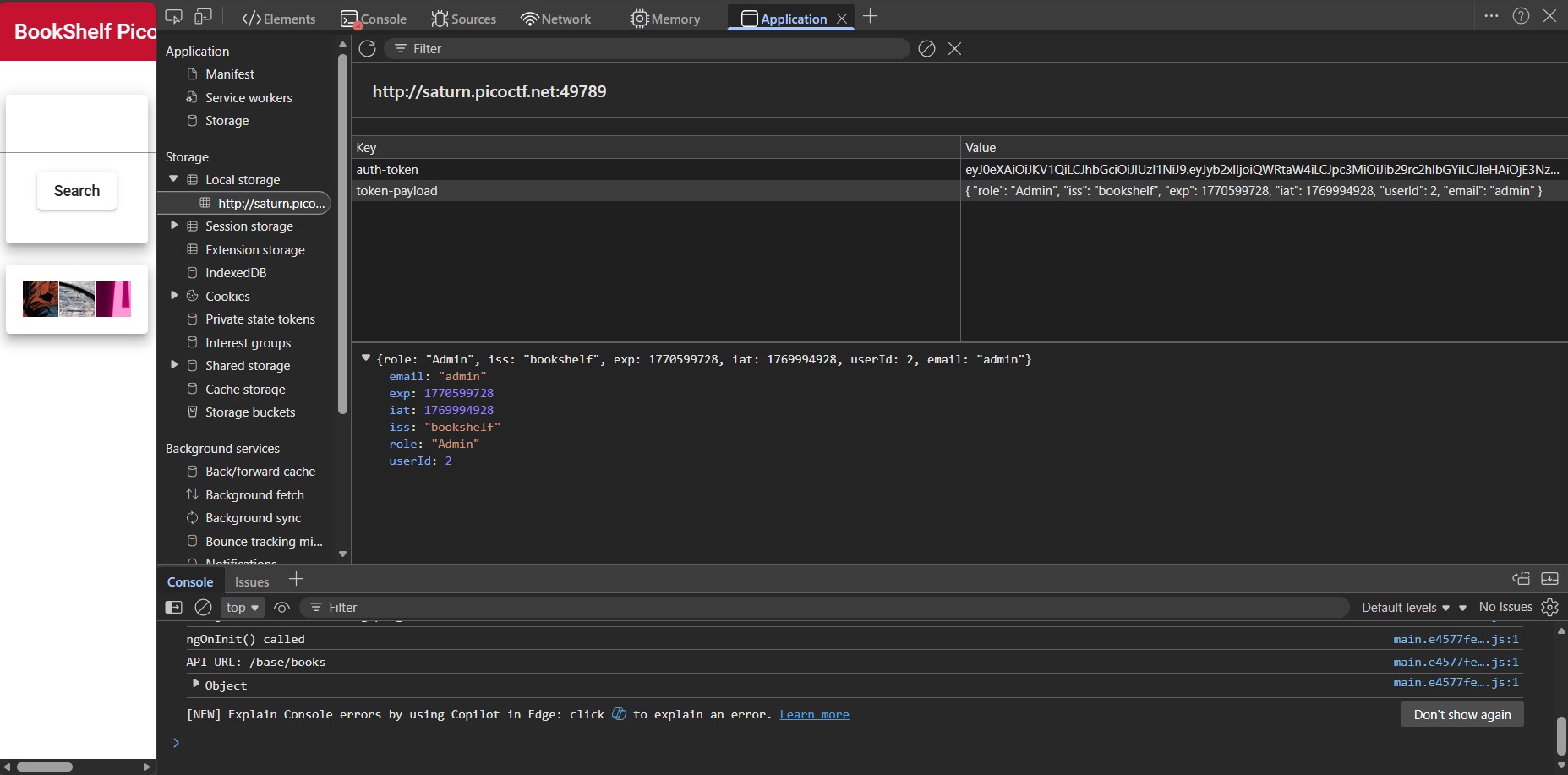
We can use DevTools to look at our local storage to see what happened when we logged in:
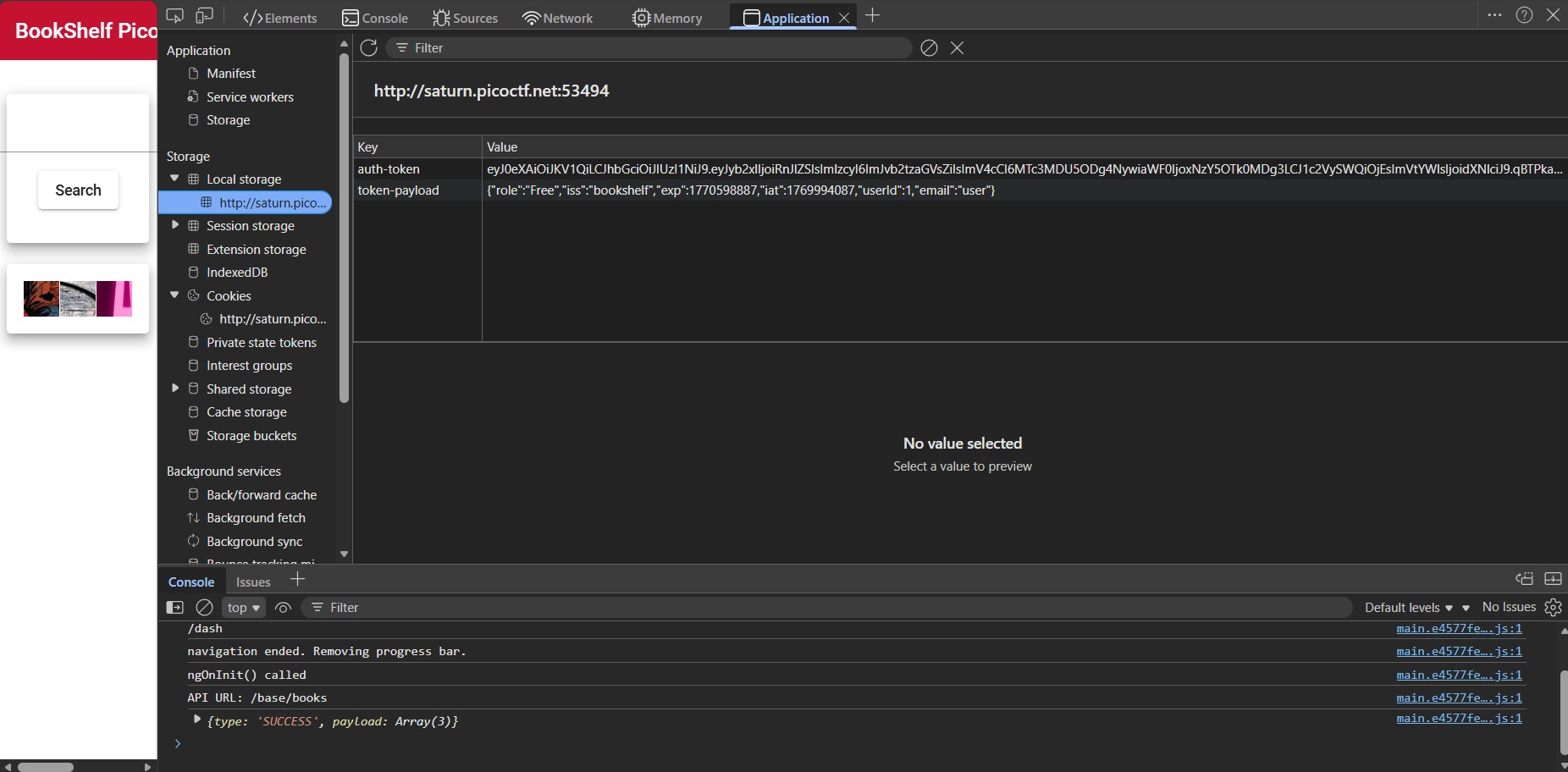
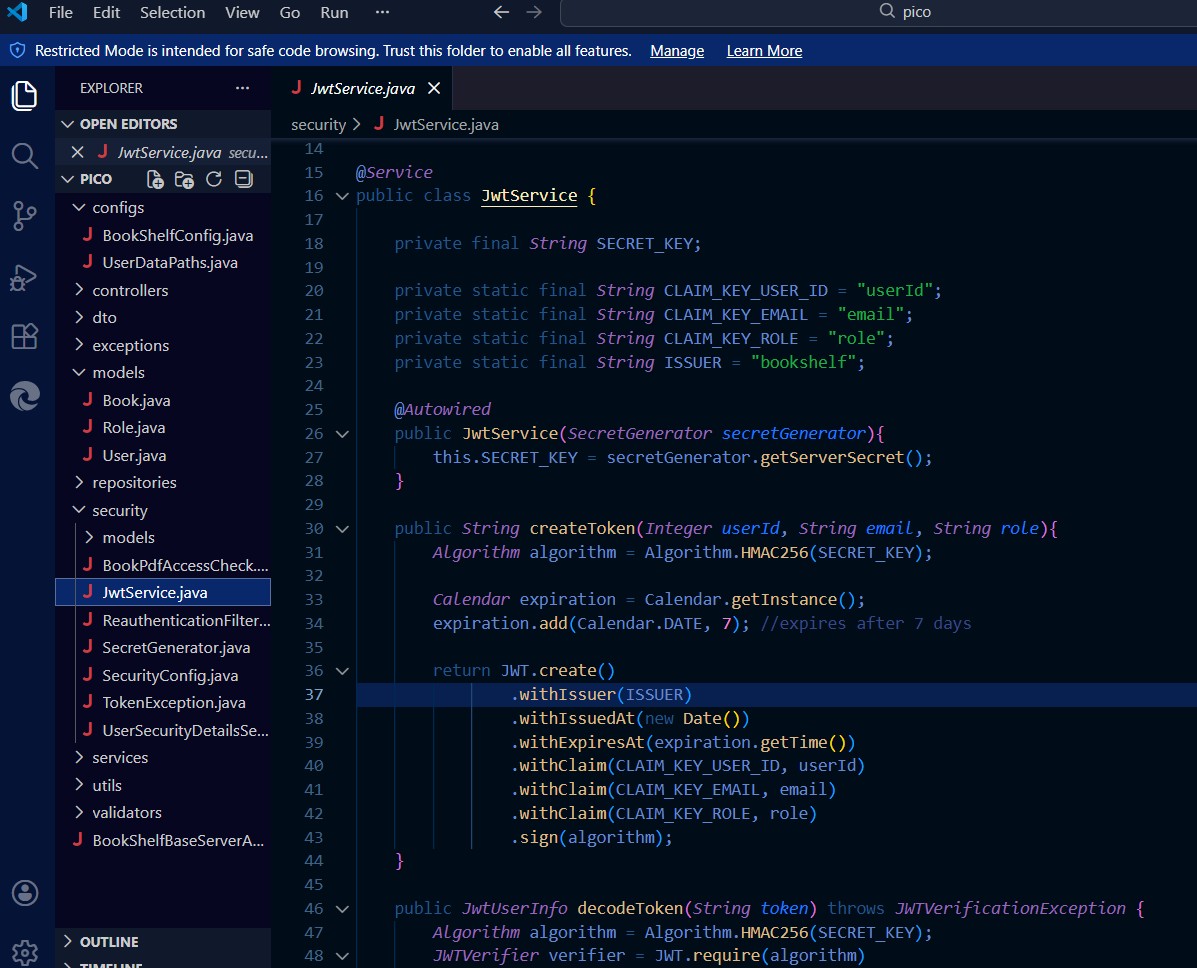
This the most we can do here so let's take a look at the source code they provided to us. If we look at JwtService.java, createToken creates a token and gets it secret key from secretGenerator.
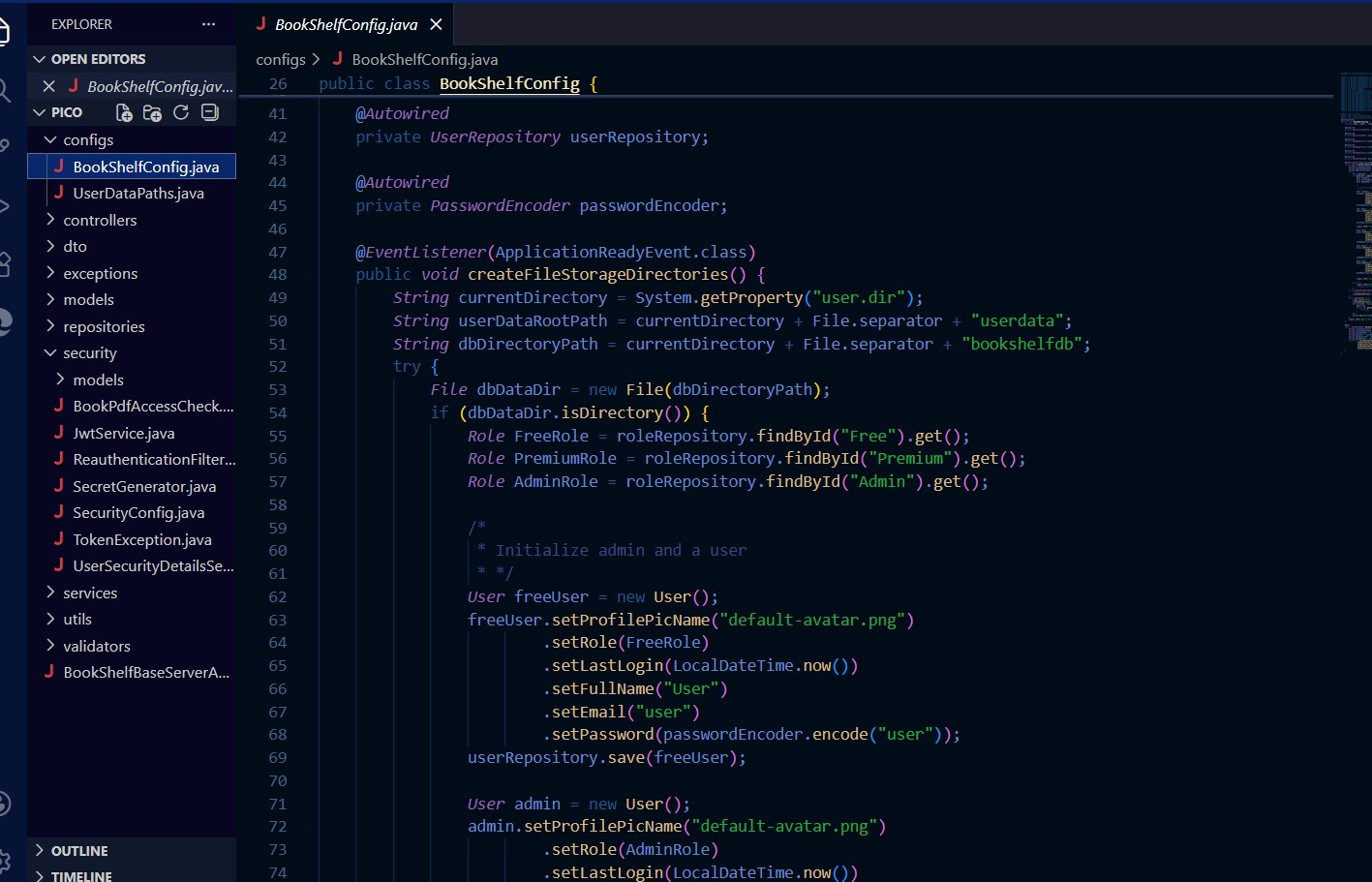
If we look at BookShelfConfig.java, we can see that people with admin have the Id of Admin. If we scroll down just a bit we can also see that admin has an email set to admin.

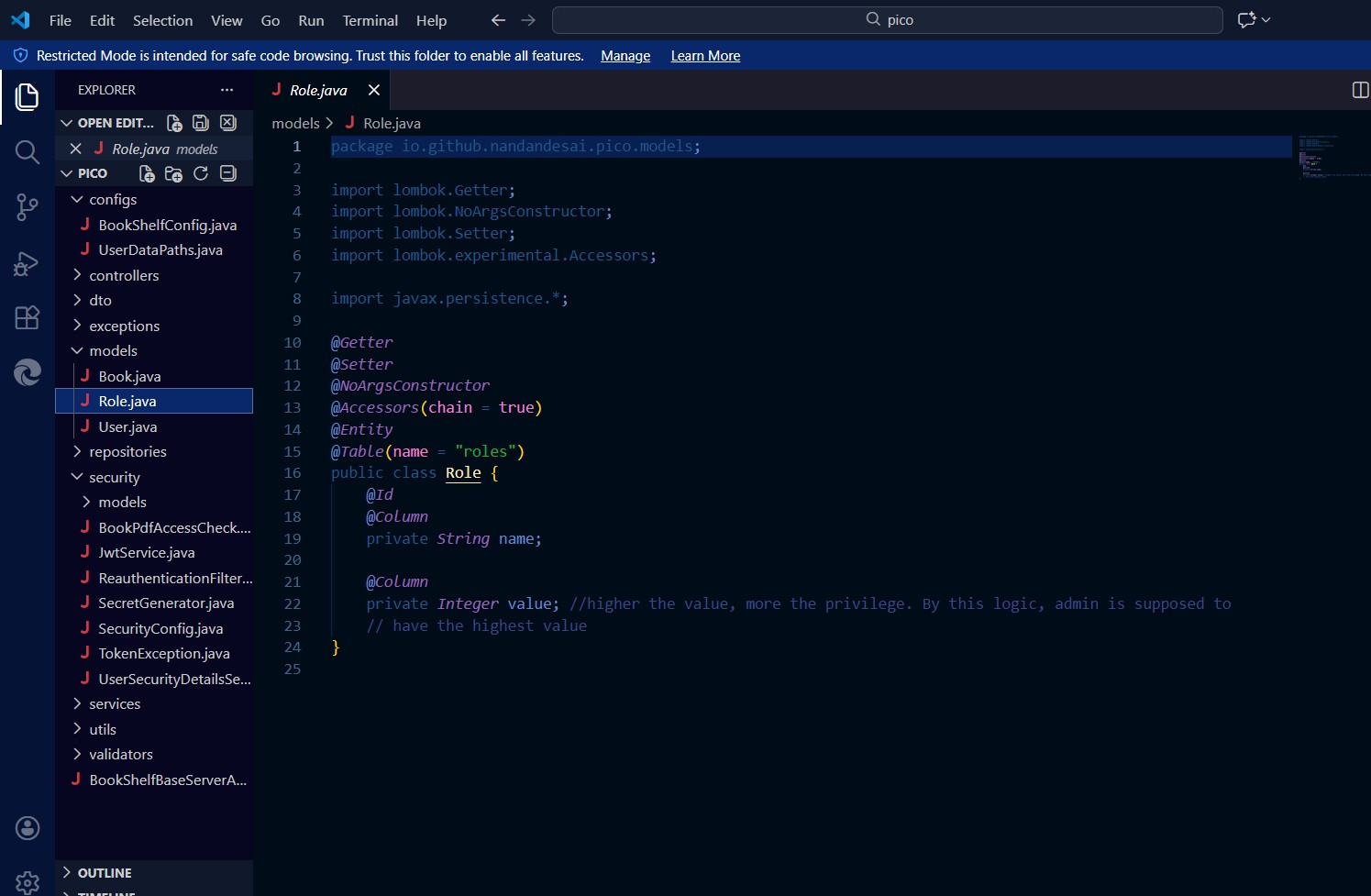
If we take a look at role, it says that the higher the value, the more privilege so admin should have a value of 2 since user is 1 and we don't see any value attached to premium.
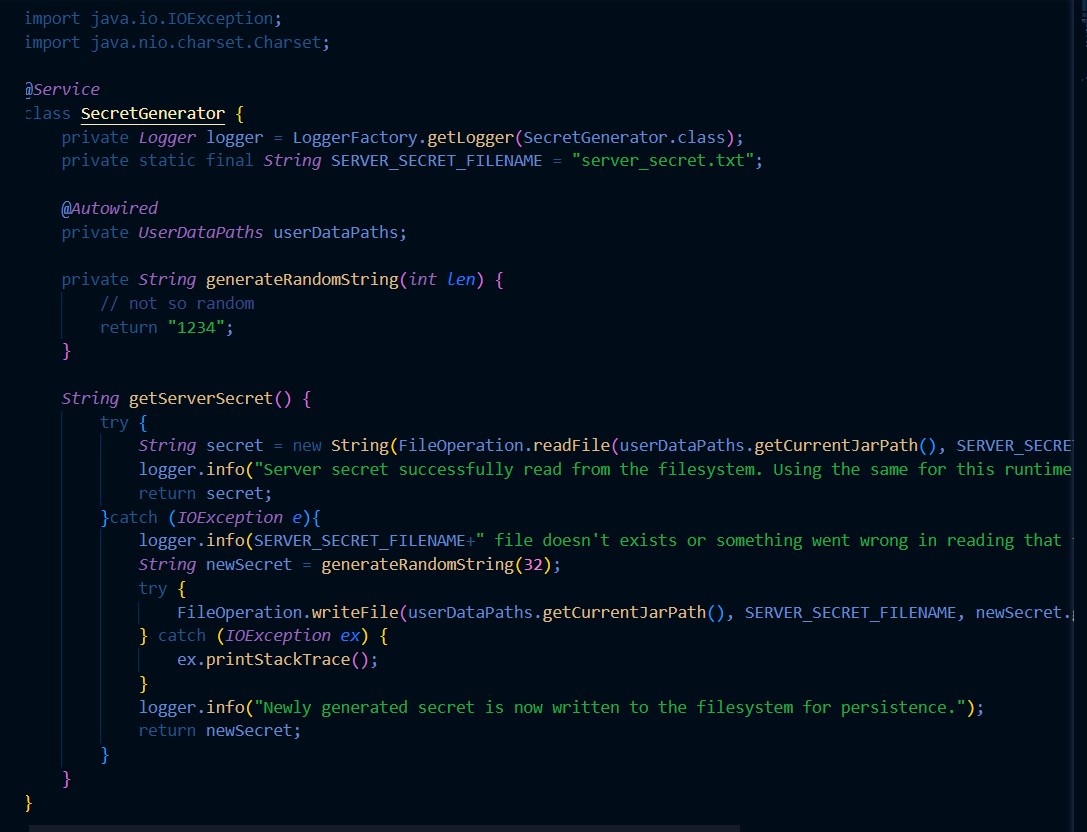
If we look at secretGenerator.java, we can see that this creates a secret key, but all it does is return 1234 so it doesn't even work so the key is 1234 (and we can verify if the secret key file exists).
So if we go to a JWT encoder, we can replace the values with everything we just went through to create our new token.
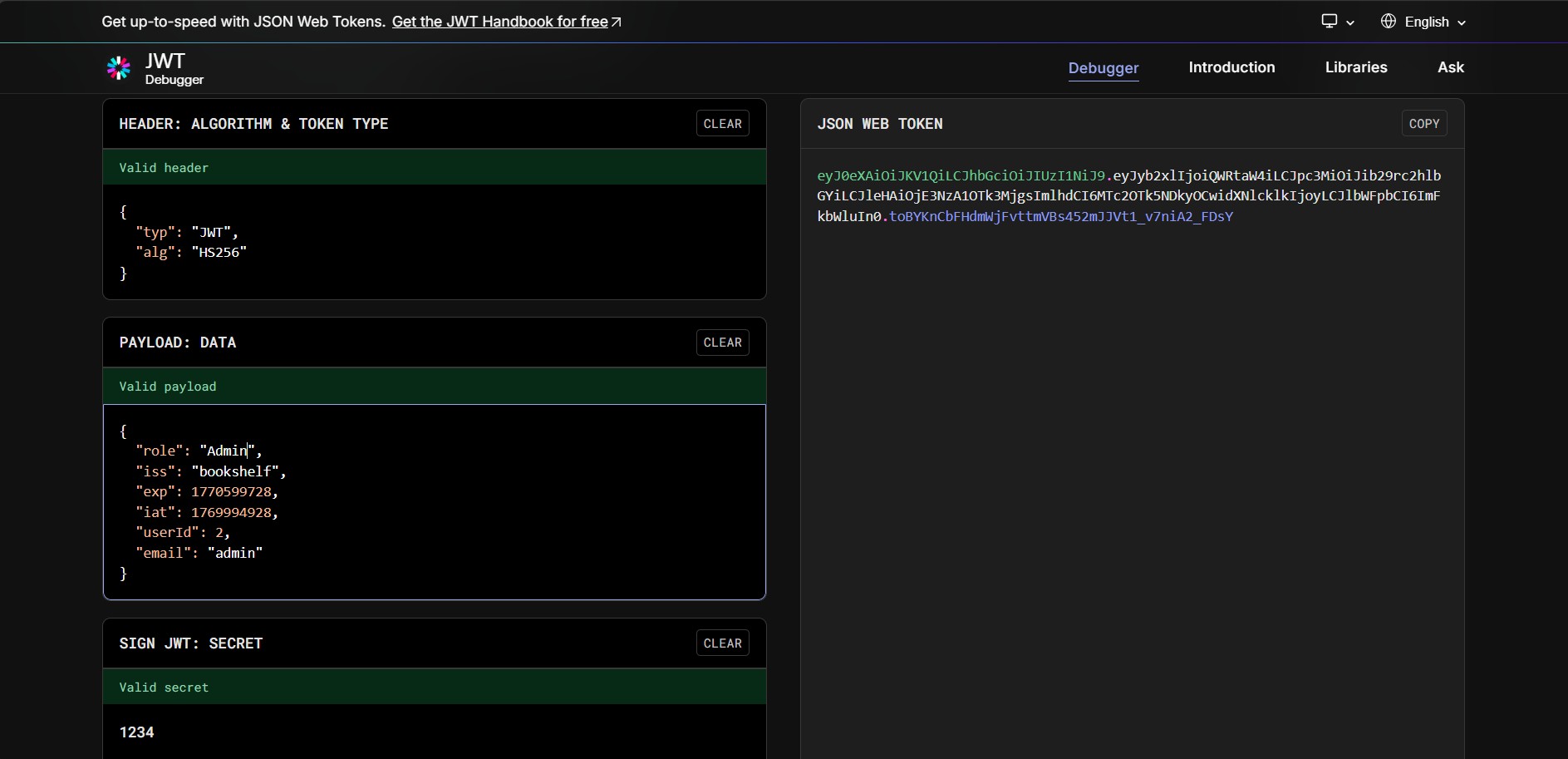
If we copy our new key and our payload and replace them in the local storage then refresh the page, we will get access to the admin book which contains our flag.
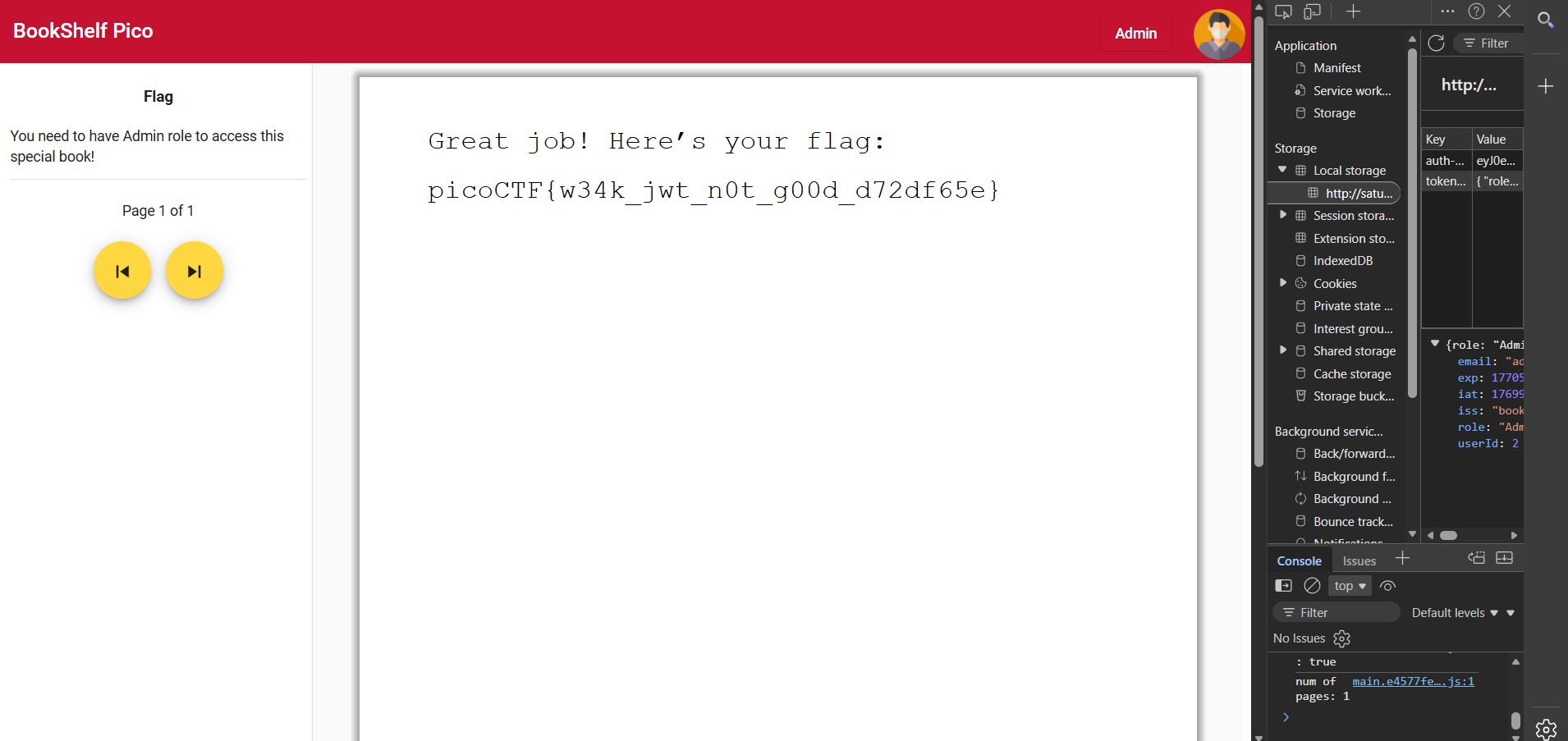
picoCTF{w34k_jwt_n0t_g00d_d72df65e}