Includes (Easy)
- Challenge Link: https://play.picoctf.org/practice/challenge/274?category=1&difficulty=1&page=1
- Challenge Description: Can you get the flag?
Solution
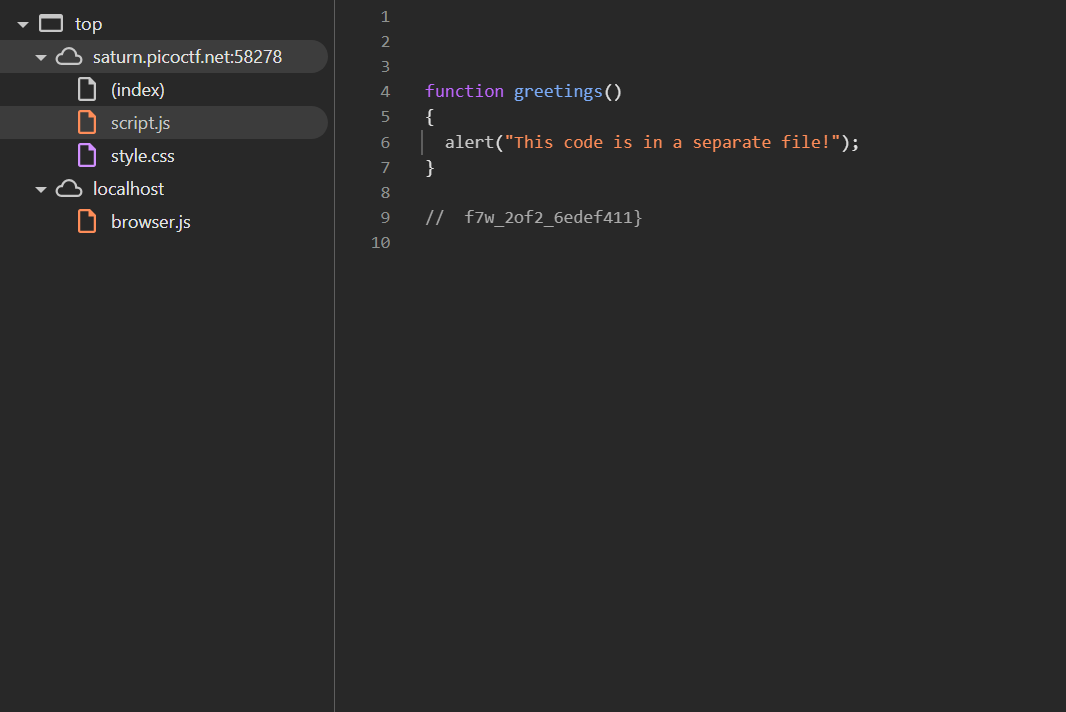
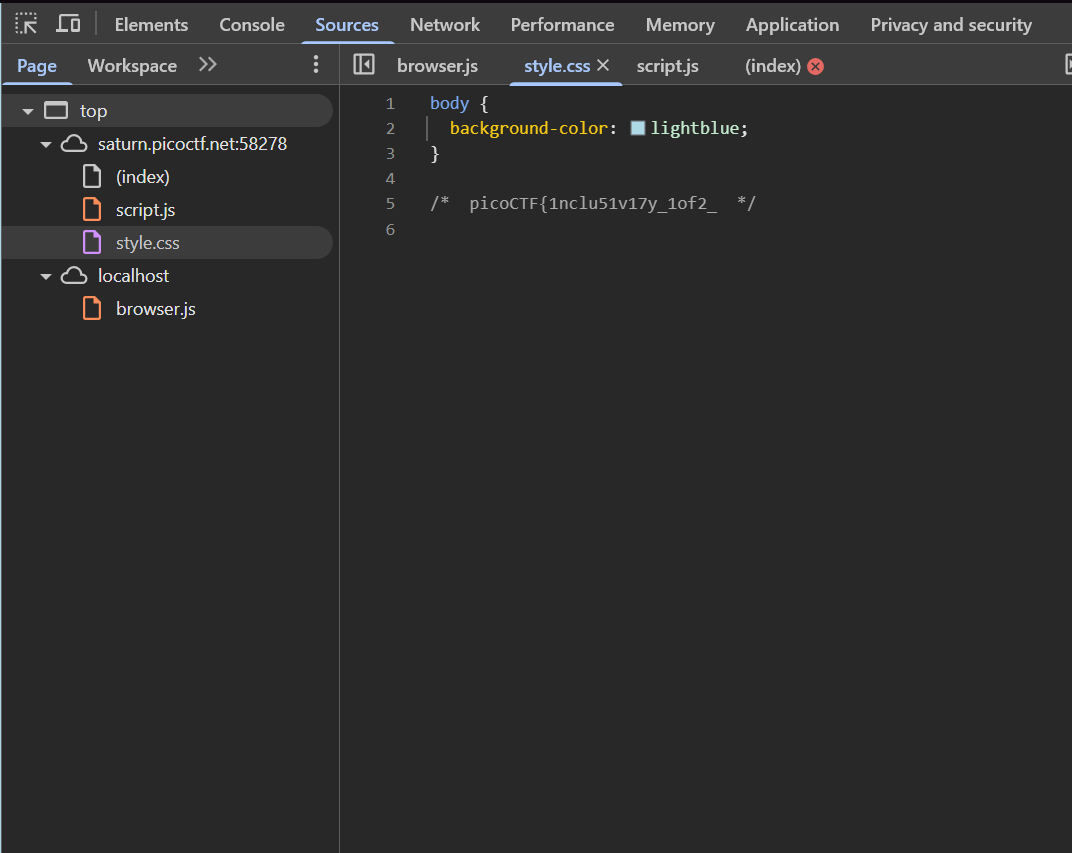
Clicking the say hello button takes brings a popup saying the code is in a separate file. I learned more about the difference between inspect element and viewing page source.
Inspect Element:
- This tool allows you to see and interact with the DOM (Document Object Model) of the page in real time.
- You can edit HTML, CSS, and sometimes JavaScript
- Doesn’t show you the full raw source code of the page. It primarily shows what's rendered and may not give you access to things like embedded scripts or the actual JavaScript files if they are loaded externally.
- It’s useful for inspecting elements, testing CSS changes, or seeing how the page responds to various interactions.
View Page Source:
- This option shows you the raw HTML code as it was loaded into the browser, including script tags, but it doesn't show you real-time changes or JavaScript generated content.
- You can view embedded JavaScript code here but the JavaScript modifications won’t be visible in the source.
- External JavaScript files that the page references will only show as links, and you'd have to visit those links separately to see the code.
Front Page w/ Inspect:
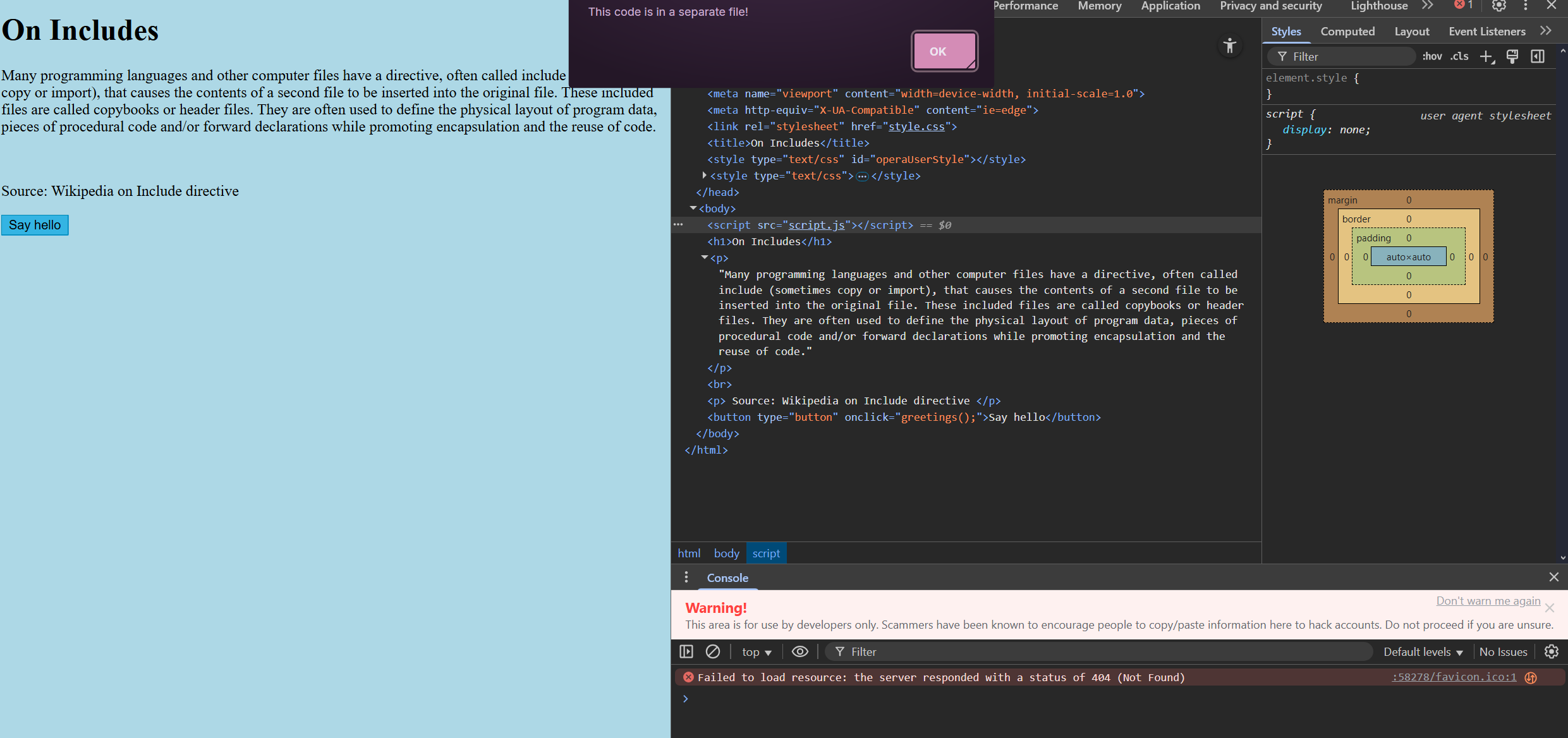
View Source Code: