Bookmarklet (Easy)
- Challenge Link: https://play.picoctf.org/practice/challenge/406?category=1&difficulty=1&page=1
- Challenge Description: Why search for the flag when I can make a bookmarklet to print it for me?
Solution
This challenge is mainly about bookmarklets. A bookmarklet is a browser bookmark that runs JavaScript code on the current webpage when clicked, instead of navigating to a new URL, adding features like text highlighting, data extraction, or style changes to enhance functionality and automate tasks directly on the page. It works by storing a special javascript: URL in the bookmark, which tells the browser to execute the embedded code snippet on the page you're currently viewing.
Essentially, when you replace the URL with the javascript code, it runs the code when you click on the bookmark.
Here is the javascript code for reference:
javascript:(function() {
  var encryptedFlag = "àÒÆަȬëÙ£Ö�ÓÚåÛÑ¢ÕÓ˨Ë�Ó�§Èí";
  var key = "picoctf";
  var decryptedFlag = "";
  for (var i = 0; i < encryptedFlag.length; i++) {
  decryptedFlag += String.fromCharCode((encryptedFlag.charCodeAt(i) - key.charCodeAt(i % key.length) + 256) % 256);
  }
  alert(decryptedFlag);
})();

First you save the page as a bookmark, then navigate to your bookmarks and edit the bookmark you just added. Replace the URL with the javascript and click save.
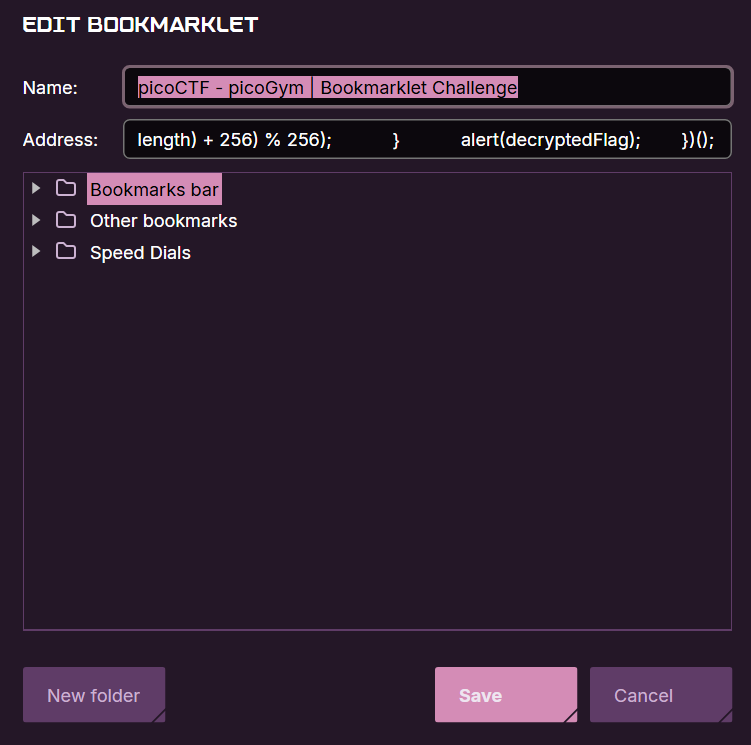
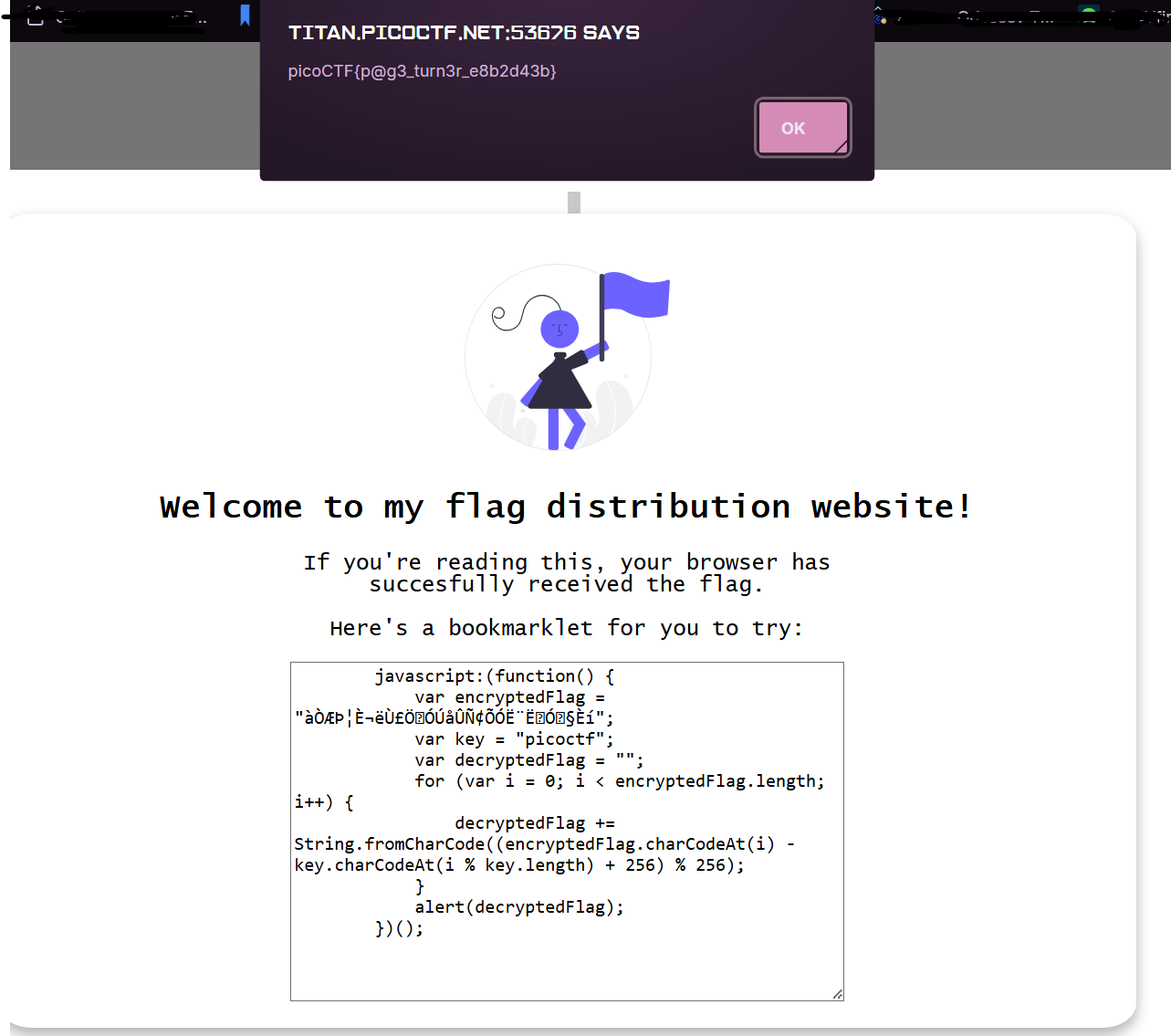
Now, once you click on the bookmark to open it, it will also run the javascript code. The flag is shown.
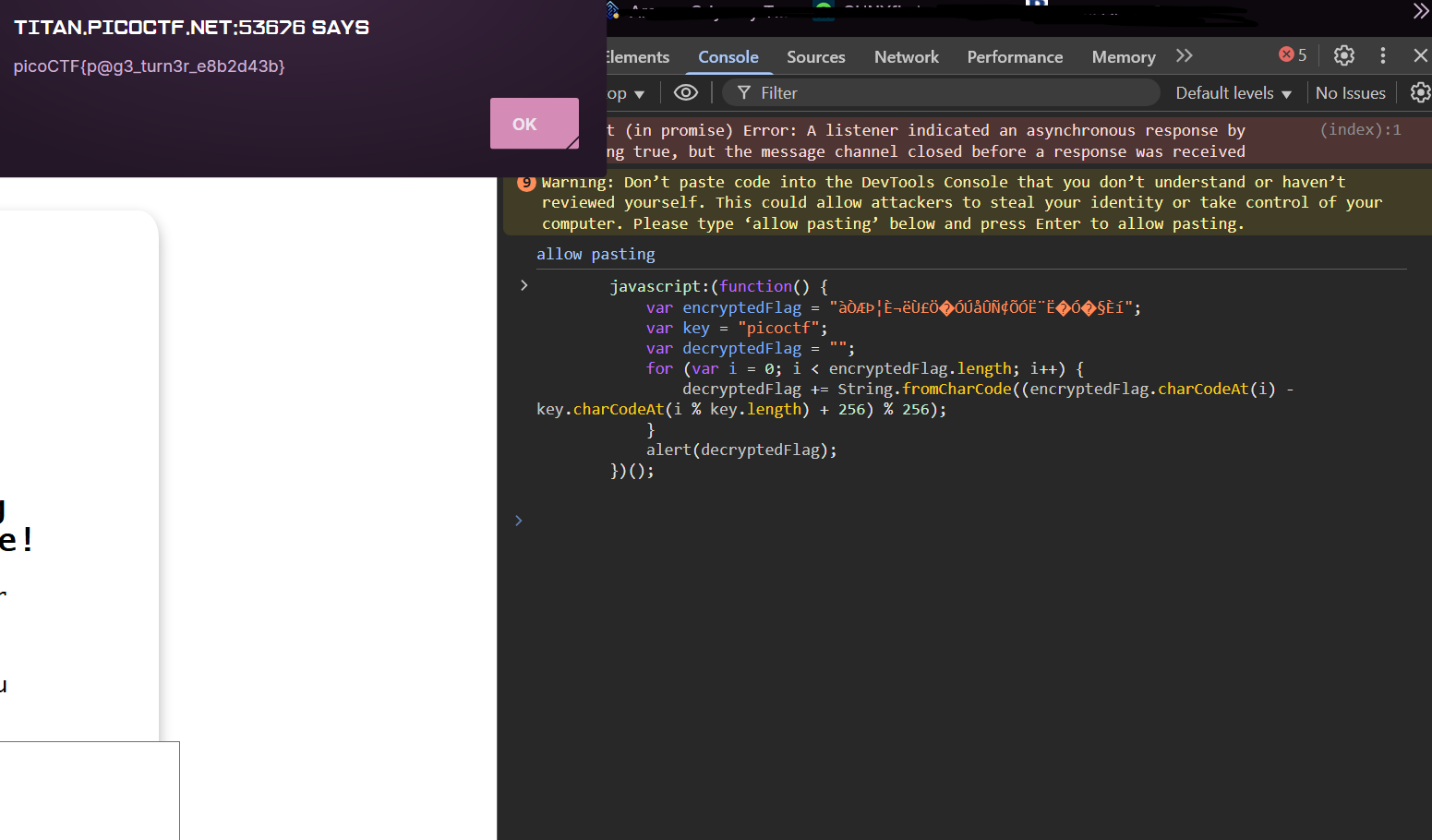
There is an another easy way to do this. By using the inspect element, head to consoles, copy and paste the javascript code, and running it will also give you the flag. Since the console is a DevTool used for running javascript code to test code snippets, debugging, or manipulating the web page dynamically.